
6 Editing and Mixing Tips for Binaural Tracks
Table of Contents
Binaural audio has transformed how creators design immersive listening experiences. Whether you’re working on ASMR, virtual reality soundscapes, podcasts, or cinematic storytelling, understanding the right editing and mixing techniques is essential. The difference between a flat recording and a truly immersive experience often comes down to how well the track is shaped during post-production.
This guide walks through practical editing and mixing tips for binaural tracks so you can create professional, realistic, and engaging audio experiences while keeping your workflow efficient.
What Makes Binaural Audio Different?
Before jumping into editing and mixing, it helps to understand what sets binaural recordings apart.
Binaural audio captures sound the way humans naturally hear it — using two microphones positioned to mimic human ears. This recording method preserves spatial cues, allowing listeners to perceive direction, distance, and movement through realistic stereo imaging.
Because spatial realism is the goal, aggressive editing or over-processing can easily break immersion. The key is balance: enhance the audio without removing the natural depth that makes binaural tracks special.
Start With Clean Editing for Better Spatial Depth
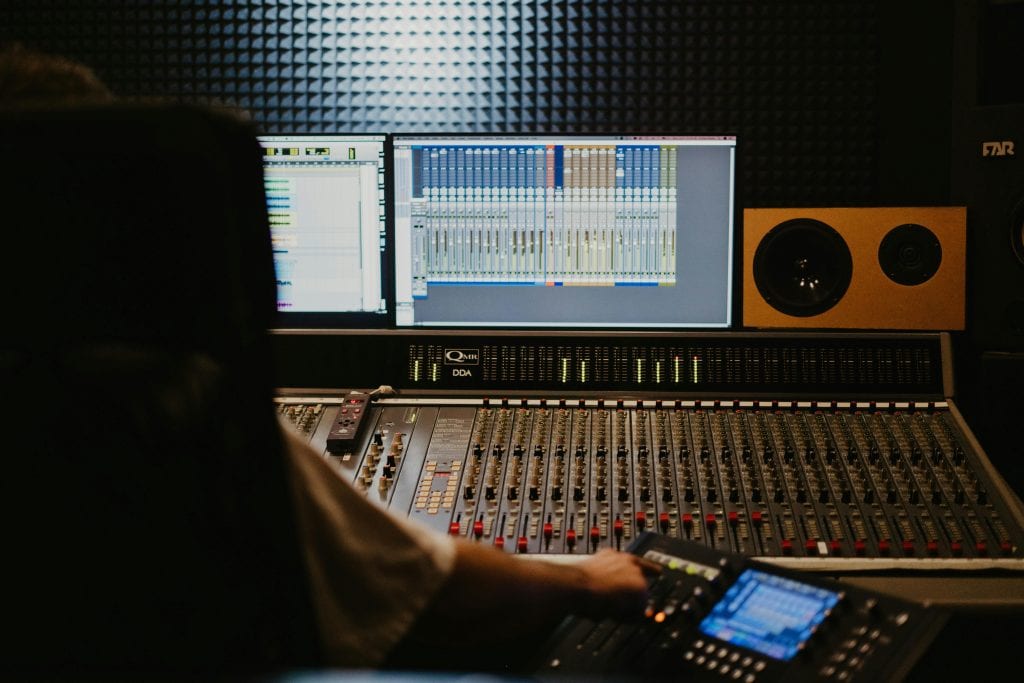
Editing binaural tracks requires a lighter touch compared to standard stereo recordings.
Remove Noise Carefully
Background noise becomes more noticeable in binaural recordings because listeners feel “inside” the environment. Use noise reduction plugins conservatively.
Best practices:
- Apply subtle noise reduction instead of heavy filtering
- Remove hums and clicks manually when possible
- Avoid over-cleaning, which can cause phase artifacts
Maintain Natural Timing
Over-editing timing can make movement sound unrealistic. When trimming clips:
- Keep natural pauses and room tone
- Avoid abrupt cuts that disrupt spatial continuity
- Use short crossfades to smooth transitions
EQ Tips for Binaural Mixing
Equalization is one of the most powerful tools in binaural mixing — but it must be used strategically.
Preserve the Midrange
The midrange carries crucial spatial information. Over-EQing this area can flatten depth.
Try this:
- Use gentle cuts instead of boosts
- Remove only problematic frequencies
- Keep vocal tones natural and centered
Control Low-End Build-Up
Low frequencies can quickly muddy binaural recordings.
Tips:
- Use high-pass filters on non-bass elements
- Reduce sub-bass rumble without thinning the sound
- Maintain clarity so directional cues stay intact
Add Air Without Harshness
A slight high-frequency lift can improve realism.
- Add subtle “air” above 10 kHz
- Avoid sharp boosts that create fatigue
- Test on headphones frequently
Compression: Less Is Often More
Heavy compression can collapse the spatial field and make binaural audio feel artificial.
Recommended approach:
- Use light compression with low ratios (2:1 or lower)
- Preserve dynamic range to maintain realism
- Apply parallel compression if extra body is needed
When possible, compress individual elements instead of the entire binaural mix.
Reverb and Space Management
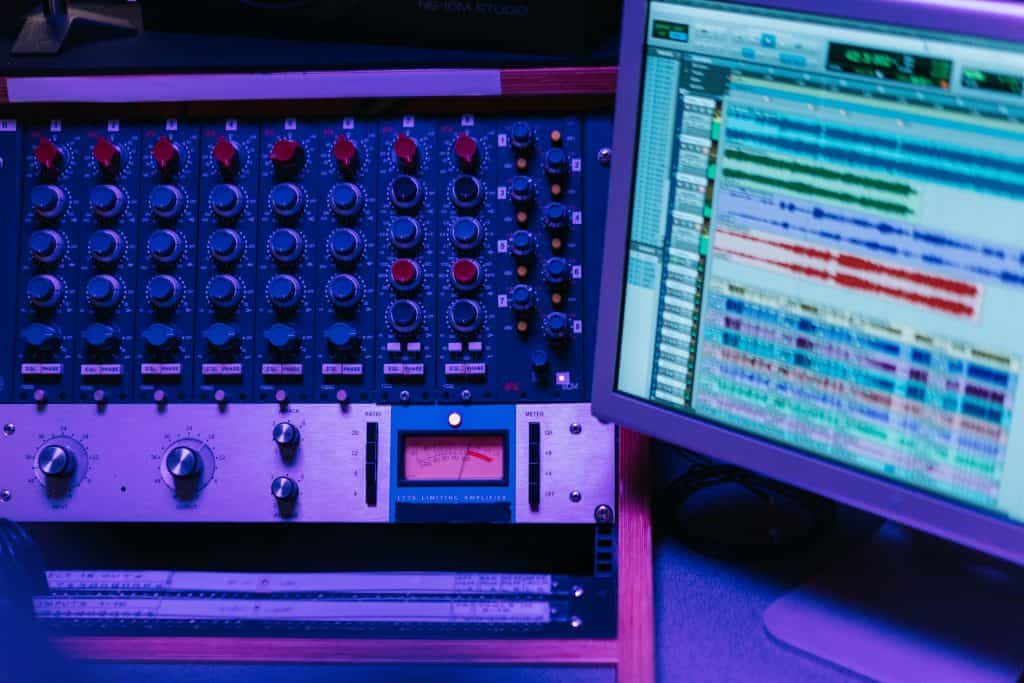
Many binaural recordings already contain natural room ambience. Adding too much reverb can blur localization cues.
Best Practices for Reverb
- Use short, natural reverbs
- Avoid stereo wideners that distort positioning
- Match the existing environment’s acoustic character
If you need extra atmosphere, layer subtle ambience tracks rather than long reverb tails.
Automation Brings Movement to Life
Automation is one of the most effective tools for binaural mixing.
Use automation to:
- Control movement across the stereo field
- Adjust volume based on perceived distance
- Create smooth directional transitions
Slow, realistic movement feels more immersive than fast or exaggerated panning.
Headphone Monitoring Is Non-Negotiable
Binaural tracks are designed primarily for headphones. Always mix while monitoring with quality headphones.
Checklist:
- Test on multiple headphone types
- Check for listener fatigue after long sessions
- Ensure movements feel natural and not disorienting
Speaker monitoring can still help for balance checks, but final decisions should happen on headphones.
Avoid Common Binaural Mixing Mistakes
Even experienced engineers sometimes overlook these issues:
- Over-processing with heavy EQ or compression
- Excessive stereo widening plugins
- Ignoring phase relationships
- Removing too much room ambience
- Mixing only on studio monitors
Keeping processing minimal often produces the most realistic result.
Final Listening Tests Before Export
Before finalizing your track:
- Listen from start to finish without interruption
- Check transitions and movement realism
- Test at different volume levels
- Try consumer headphones, not just studio models
- Verify mono compatibility if needed
These steps help ensure the binaural experience translates well across devices.
Final Thoughts
Editing and mixing binaural tracks is about enhancing immersion, not overpowering it. Small, thoughtful adjustments usually outperform aggressive processing. By preserving spatial cues, managing dynamics carefully, and mixing primarily on headphones, you can create audio that feels lifelike and engaging for listeners.
Whether you’re producing VR experiences, ASMR content, or cinematic audio, mastering these binaural editing and mixing tips will help you deliver richer, more believable sound environments that keep audiences fully immersed.


