
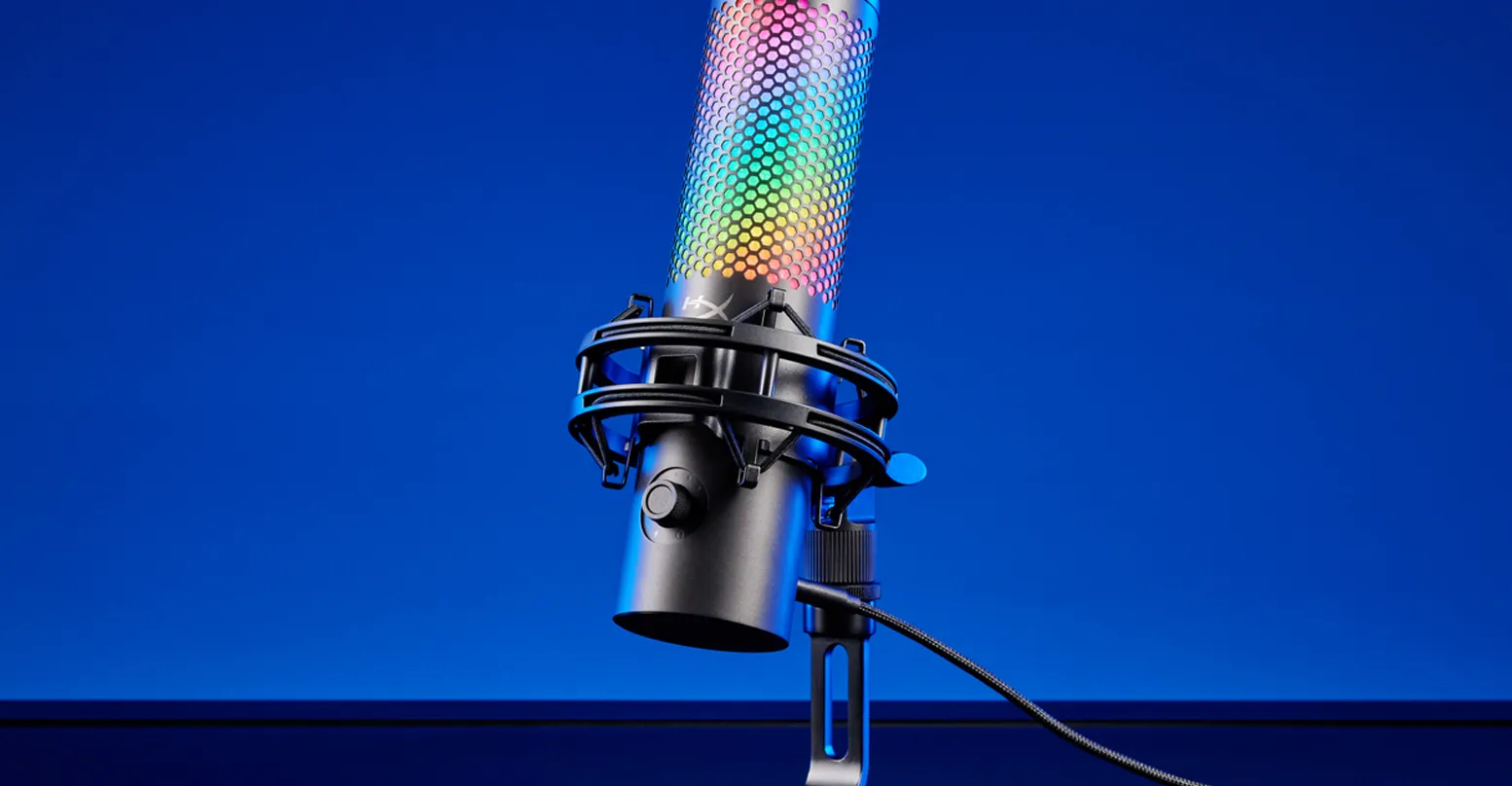
HyperX microphones are built with one audience in mind: gamers and creators who want solid audio without complicated setups. They focus on ease of use, clean voice capture, and practical features that work well in real gaming and streaming environments.
This guide breaks down how HyperX microphones perform in everyday use. It covers the different types, key features, ideal use cases, and the common mistakes that can limit your audio quality.
What Are HyperX Microphones Known For?
HyperX designs microphones that prioritize simplicity and consistency. Unlike traditional studio brands, HyperX doesn’t try to overwhelm users with options. Instead, their microphones are tuned to sound good right away, especially for voice-focused applications like streaming, chat, and content creation.
In practical terms, the best HyperX microphones are known for:
- Clean, voice-focused sound without much setup
- Beginner-friendly controls and plug-and-play use
- Strong performance in gaming and streaming environments
They’re not trying to replace full studio setups. They’re built to work reliably in real-world conditions.
Types of HyperX Microphones
HyperX keeps its lineup focused, but each model is designed for a specific type of user.
USB Condenser Microphones
Most HyperX microphones fall into the USB condenser mic category. Models like the HyperX QuadCast and HyperX SoloCast are designed for direct connection to your PC or console. They’re commonly used for:
- Streaming
- Podcasting
- Voice chat
- Content creation
These microphones are tuned to emphasize vocal clarity, which helps your voice stand out even when there’s background audio like game sound or music.
Compact and Minimalist USB Microphones
Some models focus on simplicity and smaller setups. The HyperX SoloCast is a good example. It strips things down to the essentials, offering solid audio quality without extra controls or features. This makes it ideal for users who want a clean desk setup and minimal configuration.
Multi-Pattern Microphones
Higher-end models like the HyperX QuadCast offer multiple polar patterns. This allows you to switch between different recording modes, such as:
- Cardioid for solo streaming
- Omnidirectional for group recording
- Bidirectional for interviews
This flexibility makes them more versatile than basic USB microphones.
Key Features to Look for in HyperX Microphones
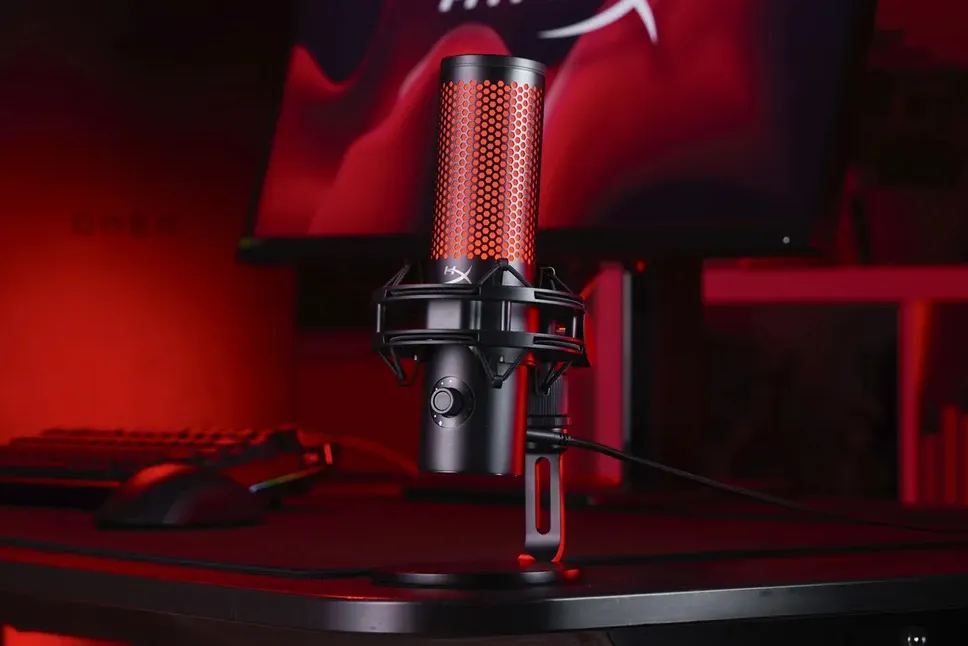
HyperX microphones are designed to simplify recording, but certain features still play a big role in performance.
Voice-Optimized Sound
HyperX microphones are tuned specifically for spoken audio. They emphasize clarity and presence, which helps your voice cut through background noise. This is especially useful in gaming setups where other audio sources are active.
Built-In Shock Mounts
Some models include integrated shock mounts. These reduce vibrations from your desk, keyboard, or mic stand. In practice, this helps prevent low-frequency rumble and handling noise from affecting your recordings.
Tap-to-Mute Controls
Many HyperX microphones include touch-based mute functions that allow you to quickly mute your mic during streams or calls without navigating software. It’s a small feature, but it makes a big difference in real-time use.
Gain Control and Monitoring
Onboard gain control lets you adjust your input level directly on the microphone. Some models also include headphone monitoring, which allows you to hear your voice in real time. This helps you maintain consistent levels and avoid clipping.
Plug-and-Play Setup
HyperX microphones are designed to work immediately after connecting. You don’t need additional drivers or complex configuration. This makes them accessible to beginners and convenient for users who want a straightforward setup.
Best Uses for HyperX Microphones
HyperX microphones are built for practical, everyday use rather than specialized studio work. They’re designed to deliver clear voice audio in real setups, not perfect studio conditions.
Streaming and Gaming
This is where HyperX microphones perform best. Models like the HyperX QuadCast are tuned to keep your voice clear and present even when game audio, alerts, and background sounds are active. You don’t need constant tweaking to stay audible, which is important during live sessions. Built-in features like gain control and mute also make it easier to manage your audio without interrupting gameplay.
Voice Chat and Communication
For gamers and remote users, clarity matters more than anything. HyperX microphones provide a noticeable upgrade over headset mics by delivering fuller, more consistent voice capture. This makes conversations easier to follow, whether you’re in multiplayer games, team calls, or online meetings. You’ll also get more stable volume levels, which reduces the need to repeat yourself or adjust settings constantly.
Podcasting and Casual Content Creation
HyperX microphones work well for simple recording setups. They provide clean, focused audio without requiring advanced knowledge of interfaces, gain staging, or signal chains. This makes them a good choice for podcasts, YouTube videos, or voiceovers where you want reliable sound without a complicated setup. They’re especially useful for solo creators who don’t need multi-mic or studio-level flexibility.
Desk-Based Recording Setups
Because of their design and built-in features, HyperX microphones are well-suited for fixed desk setups. They’re stable, easy to position, and often include integrated shock mounts or stands. This reduces setup time and keeps your workspace clean. For users who don’t want to invest in extra accessories like boom arms or external mounts, this simplicity is a major advantage.
Common Mistakes When Choosing a HyperX Microphone
Most problems come from how the microphone is used, not the microphone itself. HyperX microphones are straightforward, but they still require the right setup and expectations.
Treating It Like a Studio Microphone
HyperX microphones are optimized for voice and streaming. They’re not designed to capture the level of detail needed for music production or high-end studio recording. Expecting that level of performance can lead to disappointment, even though the mic is working as intended.
Ignoring Background Noise
Even though these microphones focus on voice, they can still pick up unwanted sound. Keyboard clicks, PC fans, and room reflections can all affect your audio. If your setup is noisy, positioning the mic closer to your mouth and reducing environmental noise will make a noticeable difference.
Poor Mic Placement
Placement directly affects how your voice is captured. Too far, and your voice loses presence. Too close, and it can sound harsh or overly bass-heavy. Slight adjustments in distance and angle can improve clarity without changing any settings.
Not Using Built-In Features
Features like gain control, mute, and monitoring are there for a reason. Ignoring them can lead to inconsistent levels or missed opportunities to improve your audio during live use. Taking a few minutes to dial in these controls makes your setup more reliable.
Expecting One Mic to Fit Every Setup
No single microphone works perfectly in every situation. HyperX microphones are designed primarily for gaming and voice content. Trying to use them for everything from music recording to multi-person setups will usually involve trade-offs.
How to Choose the Right HyperX Microphone
Start with Your Main Use Case
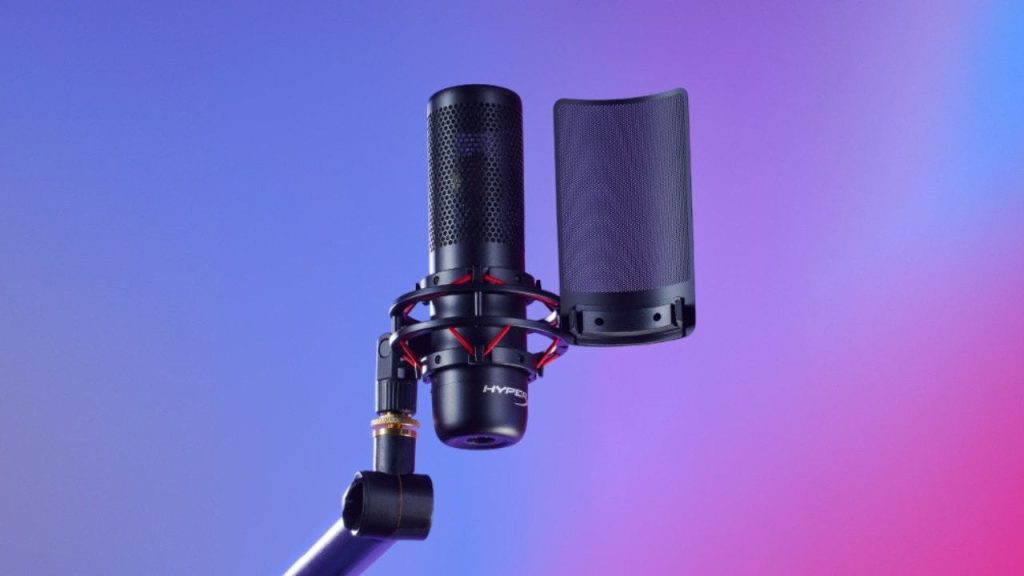
Think about how you’ll actually use the microphone day to day. If you’re streaming or gaming, a model like the HyperX QuadCast gives you more flexibility. Multiple polar patterns, onboard gain control, and quick mute options make it easier to adapt during live sessions without stopping your content.
If you want something simple and compact, the HyperX SoloCast is easier to manage. It’s designed for straightforward voice capture without extra features, which works well for casual streaming, calls, or basic recording.
Consider Your Setup
Your desk setup plays a bigger role than most people expect. If you’re working with limited space or prefer a clean layout, a smaller microphone is easier to position and won’t get in your way. On the other hand, if you’re comfortable with a more dedicated setup, a larger microphone with built-in controls gives you more flexibility during use.
Also, think about placement. If your mic will sit directly on your desk, built-in shock mounts and sturdy stands become more important for reducing noise and vibration.
Focus on Practical Features
Instead of looking at specs, focus on features that improve your day-to-day use. Touch-to-mute controls, gain adjustment, and polar pattern options directly affect how easy it is to manage your audio. These features matter most during live sessions where you need quick control without interrupting what you’re doing.
Choosing a microphone with features you’ll actually use leads to a smoother experience than picking one based on specs alone.
HyperX Microphones vs Other Brands
Elgato vs HyperX
Elgato focuses heavily on software integration and real-time audio control, especially through tools like Wave Link. HyperX takes a simpler approach, with built-in hardware controls and minimal setup. If you want detailed audio routing and mixing, Elgato is the stronger choice. If you prefer something that works immediately without extra configuration, HyperX is easier to manage.
Blue Microphones vs HyperX
Blue microphones offer a more traditional USB recording experience with strong voice clarity and broader use cases like podcasting and general recording. HyperX microphones are more focused on gaming setups, with features designed for quick adjustments and real-time use. Blue is more flexible across different content types, while HyperX is more tailored for streaming environments.
Rode vs HyperX
Rode provides a wider range of microphones that cover both USB and XLR setups, making it more adaptable for long-term upgrades and studio use. HyperX focuses on a narrower lineup designed for immediate use in gaming and streaming. Rode is the better option if you want to expand your setup over time, while HyperX is ideal if you want a simple, reliable solution right now.
Final Thoughts
HyperX microphones are built for simplicity and reliability. If you’re focused on gaming, streaming, or voice content, they provide a straightforward way to get clear audio without dealing with complex setups. As long as you match the microphone to your needs and use it properly, you’ll get consistent and dependable results.