
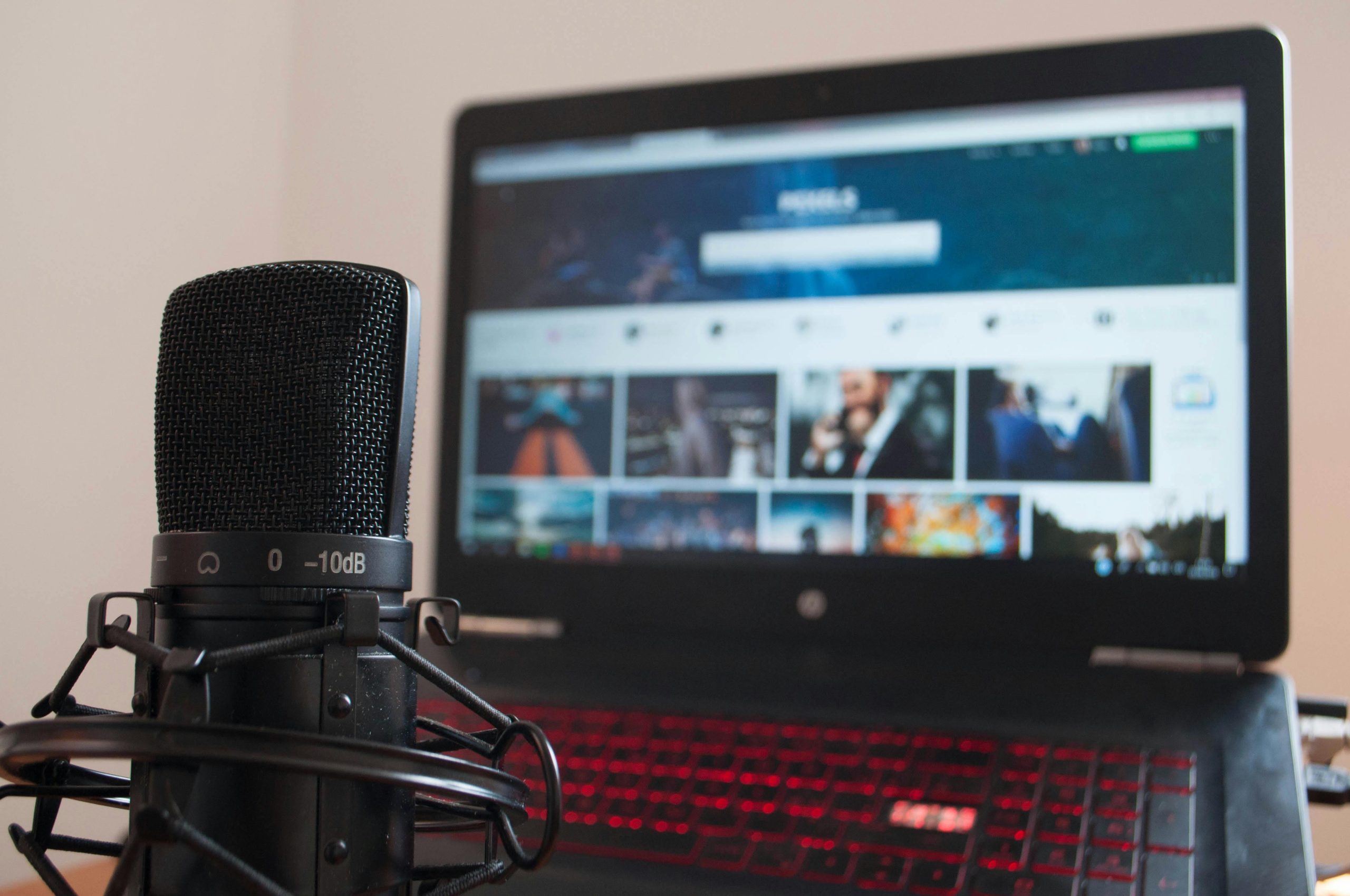
Streaming microphones are one of the most important pieces of gear in any live setup. Whether you’re on Twitch, YouTube, or Kick, your audio quality directly affects how professional your stream feels and whether viewers stick around. You can get away with an average video. You can’t get away with bad audio.
This guide is your central hub for everything related to streaming microphones. It breaks down how they work, what types to choose, how to optimize your setup, and what actually matters when you’re live. From here, you’ll also be able to explore our full guide to the best streaming microphones for different budgets and setups.
What Is a Streaming Microphone?
A streaming microphone is designed to capture your voice in real time while minimizing background noise and maintaining consistent audio levels. Unlike general-purpose microphones, streaming mics are optimized for:
- Live voice clarity
- Background noise control
- Consistent volume output
- Ease of integration with streaming software
Because streaming is live, there’s no safety net. Your microphone needs to deliver clean, reliable audio without relying heavily on post-processing.
Why Microphone Quality Matters for Streaming
Audio quality has an immediate impact on viewer retention and engagement. Unlike pre-recorded content, live streams don’t give you a second chance to fix bad audio. What your audience hears in the moment is what they judge your stream on.
Viewer Retention
Live viewers are quick to leave if something feels off. If your voice sounds muffled, inconsistent, or overwhelmed by background noise, it creates friction almost instantly.
Streaming platforms are competitive, and switching to another creator takes seconds. Clear, present audio keeps viewers comfortable and engaged, especially during longer sessions where even small audio issues become more noticeable over time.
Communication Clarity
Streaming is built around interaction. Whether you’re responding to chat, coordinating in-game, or speaking with guests, your voice needs to be easy to understand at all times.
A good microphone ensures your words cut through background noise and game audio without forcing listeners to strain. This becomes even more important during fast-paced moments, where clarity can drop if your mic isn’t handling dynamics properly.
Professional Presence
Audio is one of the fastest ways to elevate how your stream is perceived. Even with a basic camera setup, clean and balanced sound immediately makes your content feel more polished and intentional.
Consistent audio levels, minimal noise, and a clear vocal tone signal that you’ve put effort into your setup. That builds trust with your audience and helps you stand out in a space where many streams still struggle with poor sound quality.
Types of Streaming Microphones
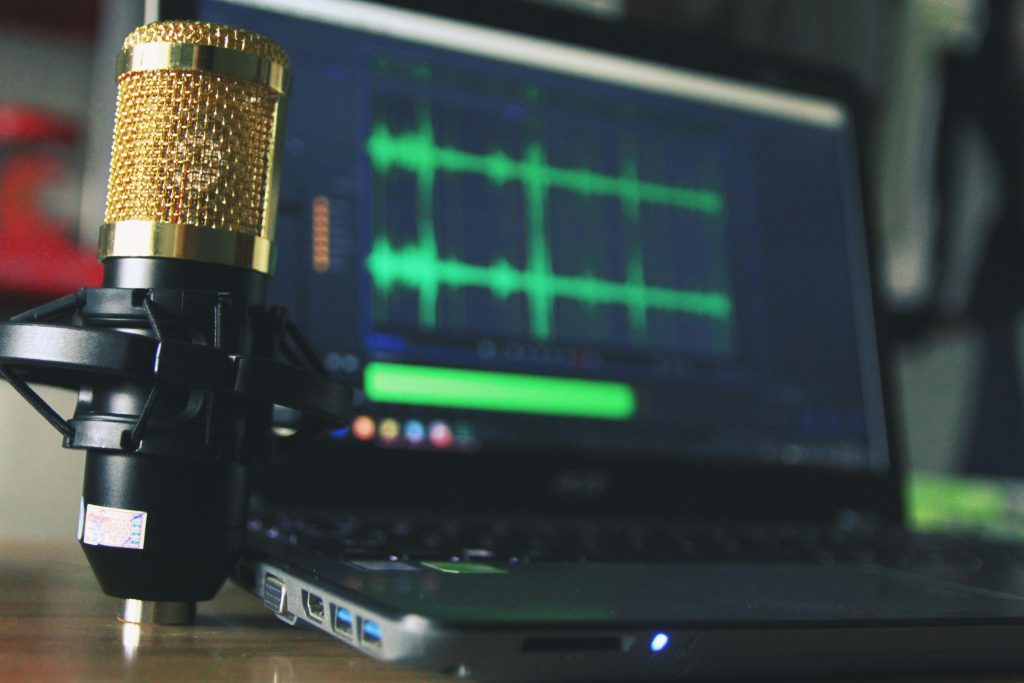
Not all microphones perform the same in a streaming environment. Choosing the right type depends on your setup and surroundings.
Dynamic Microphones
Dynamic microphones are the most popular choice for streamers. They focus on your voice while rejecting background noise like keyboard clicks, fans, and room noise. They’re ideal for:
- Noisy environments
- Gaming setups
- Untreated rooms
Brands like Shure and HyperX are commonly used by streamers for this reason.
Condenser Microphones
Condenser microphones capture more detail and nuance, but they’re also more sensitive to background noise. They work best in:
- Quiet environments
- Treated rooms
- Controlled setups
If your space is optimized, condenser mics can deliver a richer, more “broadcast-style” sound.
USB Microphones
USB microphones are the easiest option for streaming. They connect directly to your PC and work instantly with streaming software like OBS Studio. They’re perfect for:
- Beginners
- Solo streamers
- Simple setups
XLR Microphones
XLR microphones require an audio interface or mixer but offer the best control and upgrade potential. They’re ideal for:
- Advanced streamers
- Multi-device setups
- High-quality production
While they require more setup, they allow you to fine-tune your audio in ways USB microphones can’t.
Key Features to Look for in a Streaming Microphone
Choosing a streaming microphone isn’t about specs alone, but about how those specs perform when you’re live. The right features make your setup easier to manage and your audio more consistent under real streaming conditions.
Background Noise Rejection
Your microphone should focus on your voice while minimizing everything else. In a typical streaming setup, there’s always some level of background noise: keyboard clicks, mouse movement, PC fans, or even room echo.
A mic with strong noise rejection helps keep your voice front and center, so your stream sounds clean even if your environment isn’t perfect. This becomes especially important during intense gameplay or when multiple sound sources are active.
Polar Pattern
The polar pattern determines how your microphone picks up sound. For streaming, cardioid is the standard because it captures audio from the front while rejecting noise from the sides and rear.
This helps isolate your voice and prevents your mic from picking up unnecessary distractions. It also gives you a more controlled and consistent sound, even if your environment isn’t fully treated.
Real-Time Monitoring
Real-time monitoring lets you hear exactly what your microphone is capturing through your headphones, without delay. This is crucial during live streams because you can catch issues immediately, like clipping, background noise, or sudden volume changes.
Without monitoring, you’re essentially streaming blind on the audio side, only discovering problems after your audience points them out.
Gain Control
On-mic gain control gives you quick access to your audio levels without needing to open software or interrupt your stream. This is especially useful in live scenarios where your volume might change, whether you’re speaking more quietly, reacting loudly, or switching between different types of content.
Being able to adjust gain on the fly helps you maintain consistent audio levels and avoid common issues like distortion or low volume mid-stream.
USB vs XLR for Streaming
This decision comes down to simplicity vs control. USB is great for getting started. XLR is better for scaling and refining your sound over time.
Choose USB if:
- You want a fast, easy setup
- You stream solo
- You don’t want extra gear
Choose XLR if:
- You want better audio control
- You plan to upgrade your setup
- You run a more complex stream
Best Streaming Microphone Setup
A good microphone is only part of the equation. Your setup determines how well it performs in a real streaming environment. Even a mid-range mic can sound great if everything around it is optimized.
Essential Gear
- Microphone
- Boom arm or stand
- Pop filter or windscreen
- Headphones for monitoring
- Audio interface (for XLR setups)
Mic Placement
Placement has a bigger impact than most people realize. Keeping your microphone within 2–6 inches of your mouth ensures your voice stays clear, full, and present. Position it slightly off to the side rather than directly in front of your mouth. This reduces plosives without sacrificing clarity.
Consistency also matters. Try to maintain the same distance and angle throughout your stream to avoid noticeable volume changes.
Environment Control
Most streaming setups aren’t quiet. PC fans, mechanical keyboards, and room reflections all affect your audio. While you can’t eliminate every noise source, you can reduce its impact.
Position your microphone away from noise-heavy areas, lower unnecessary background sounds, and add simple acoustic treatment like rugs, curtains, or foam panels. The goal isn’t a perfect studio but a controlled environment where your voice stands out clearly from everything else.
Common Streaming Microphone Mistakes
Most streaming audio issues come down to setup, not equipment. Small mistakes can have a big impact on how your stream sounds in real time.
Mic Too Far Away
Distance is one of the biggest factors affecting clarity. When your microphone is too far from your mouth, it picks up more of your room and less of your voice. This leads to a thinner sound, more echo, and increased background noise.
Keeping your mic within 2–6 inches helps maintain a full, clear tone that cuts through your stream audio.
Poor Gain Settings
Gain controls how strong your microphone signal is. If it’s set too high, your audio will clip and distort during louder moments, something you can’t fix live. If it’s too low, your voice will sound weak and may get lost under game audio or music.
Finding the right balance ensures your voice stays consistent and clear throughout your stream.
Ignoring Background Noise
Streaming setups are rarely silent. Keyboards, fans, and ambient noise all compete with your voice. If you don’t manage these sounds through mic choice, placement, or basic noise control, they become part of your stream. Even a high-quality microphone can’t fully compensate for a noisy environment.
No Monitoring
If you’re not actively listening to your audio, you’re relying on your audience to tell you when something’s wrong. That usually means delays, interruptions, or a poor viewer experience.
Using headphones to monitor your mic in real time allows you to catch issues immediately and make adjustments before they affect your stream.
How to Improve Streaming Audio Without Upgrading Your Mic
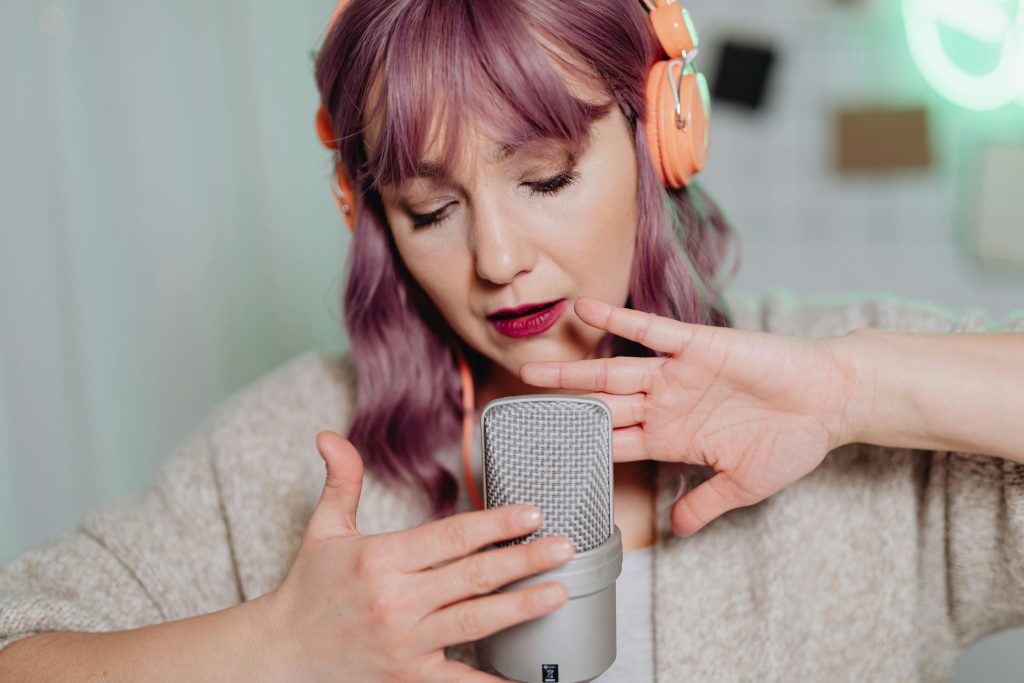
Before buying new gear, optimize what you already have.
- Adjust your mic placement
- Lower background noise sources
- Improve your room acoustics
- Fine-tune gain levels
- Use basic filters in OBS Studio (noise gate, compression, EQ)
These changes often make a bigger difference than switching microphones.
Who Needs Which Type of Streaming Microphone?
Different streamers have different needs depending on their setup, environment, and how far they want to take their production quality.
Beginners
If you’re just getting started, simplicity is key. USB microphones are the easiest way to begin streaming without overcomplicating your setup. You plug them in, select them in your software, and you’re live.
They’re ideal for solo streamers who want decent audio quality without investing in extra gear. For most beginners, a good USB mic is more than enough to sound clear and professional when paired with proper positioning.
Intermediate Streamers
As your stream grows, you’ll start noticing limitations: less control over audio levels, more background noise, or inconsistency between sessions. That’s where moving to an XLR dynamic microphone makes a difference.
With an audio interface, you gain more control over gain, tone, and overall sound quality. Dynamic XLR mics also perform better in typical streaming environments where background noise is hard to eliminate.
Advanced Streamers
For experienced streamers, audio becomes part of the overall production value. High-end XLR setups, combined with interfaces, mixers, and software processing, offer full control over how your stream sounds.
This setup is ideal for multi-source audio, guest streams, and more complex workflows. It allows you to fine-tune your sound, maintain consistency across streams, and deliver a polished, broadcast-level experience every time you go live.
Final Thoughts
Streaming microphones define how your audience hears you in real time. And in live content, that matters more than anything else. The best microphone isn’t always the most expensive. It’s the one that fits your setup, controls your environment, and delivers consistent, clear audio every time you go live. Get the fundamentals right, and your stream will instantly feel more professional.