
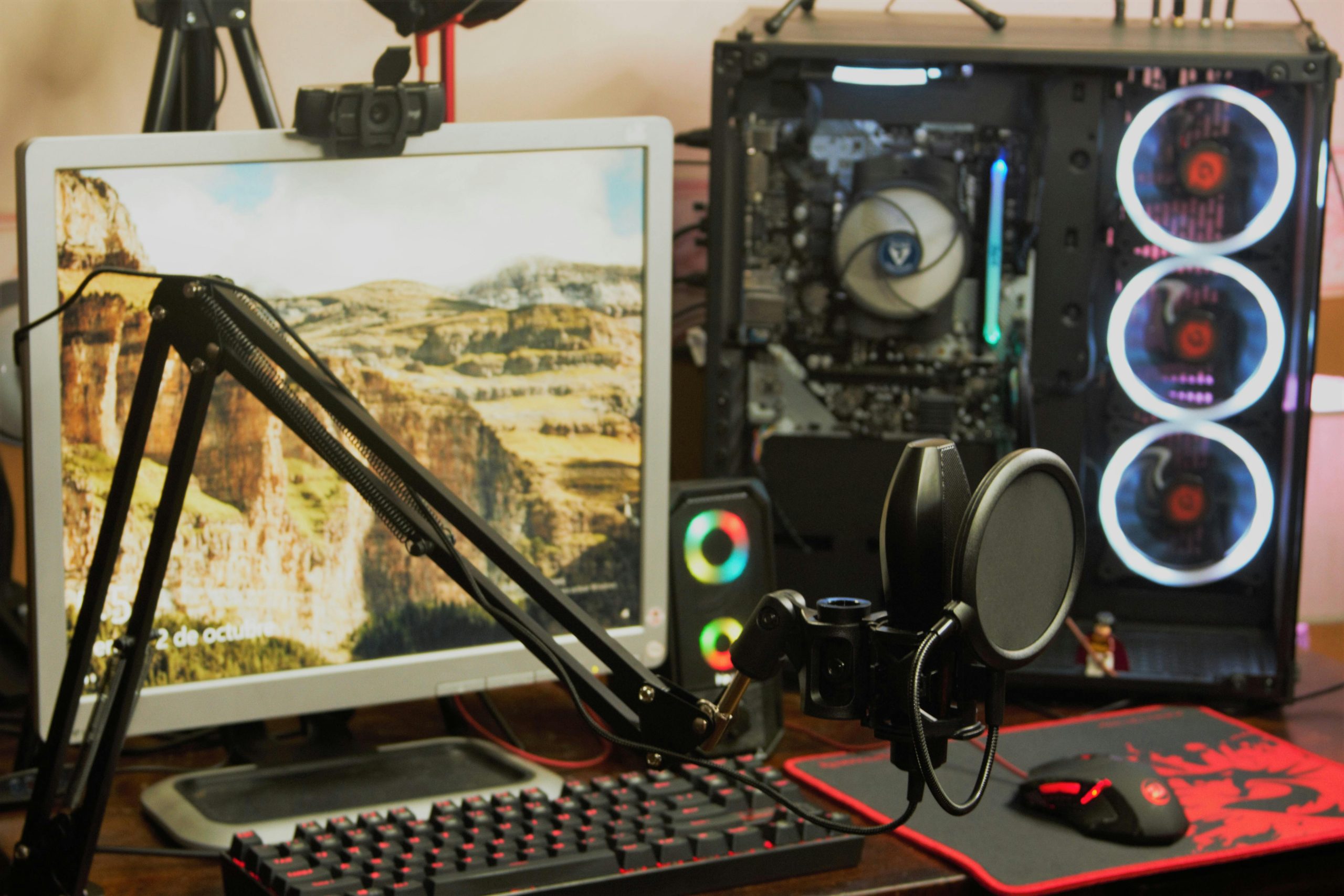
Gaming microphones are more than just accessories. They shape how you communicate, how your teammates hear you, and how your content sounds if you stream or record gameplay. Whether you’re playing competitively, chatting in voice lobbies, or creating content, your microphone needs to deliver clear, consistent audio without picking up every background noise in your room.
This guide provides everything you should know about gaming microphones. It explains the different types, what features actually matter, how to set up your mic properly, and how to improve your audio without overcomplicating your setup. From here, you can also explore our full guide to the best gaming microphones for different setups and budgets.
What Is a Gaming Microphone?
A gaming microphone is designed to capture your voice clearly during gameplay while minimizing distractions from your environment. Unlike standard microphones, gaming mics need to perform in less controlled conditions. Mechanical keyboards, mouse clicks, PC fans, and in-game audio all compete with your voice.
Because of this, gaming microphones focus on:
- Clear voice pickup
- Strong background noise rejection
- Stable audio levels during fast reactions
- Easy integration with gaming setups
They’re built to keep communication sharp, even when everything else in your setup is loud or unpredictable.
Why Microphone Quality Matters for Gaming
Audio quality affects both performance and experience. Whether you’re playing casually or competitively, how you sound matters more than most people think.
Team Communication
In multiplayer games, clear communication can directly affect outcomes. If your voice is muffled or inconsistent, teammates may miss important callouts. A good microphone ensures your voice cuts through game audio so instructions, reactions, and updates are easy to understand in real time.
Immersion and Experience
Even in casual gaming, poor audio can break immersion. Background noise, distortion, or uneven volume makes conversations feel disconnected. Clean audio keeps communication natural and helps create a smoother, more enjoyable experience for everyone involved.
Content Creation
Many gamers also stream or record gameplay. In these cases, microphone quality becomes part of your content. Clear, balanced audio helps your videos feel more professional and keeps viewers engaged, especially during commentary or live reactions.
Types of Gaming Microphones
Different types of microphones perform differently in gaming environments. Choosing the right one depends on your setup and noise levels.
Dynamic Microphones
Dynamic microphones are often the best choice for gaming. They focus on your voice and reject background noise more effectively than other types. They’re ideal for noisy setups with keyboards, fans, and open rooms. This makes them popular among competitive players and streamers.
Brands like Shure and HyperX offer strong options in this category.
Condenser Microphones
Condenser microphones capture more detail but are also more sensitive to surrounding noise. They can sound richer in quiet environments, but in typical gaming setups, they may pick up unwanted sounds unless your space is well-controlled.
USB Microphones
USB microphones are simple and widely used in gaming setups. They connect directly to your PC and work immediately with voice chat and recording software. They’re a good choice for gamers who want better audio than a headset mic without adding extra complexity.
XLR Microphones
XLR microphones require an audio interface but offer greater control over sound quality. They’re suited for gamers who also stream or create content and want more flexibility in adjusting their audio.
Key Features to Look for in a Gaming Microphone
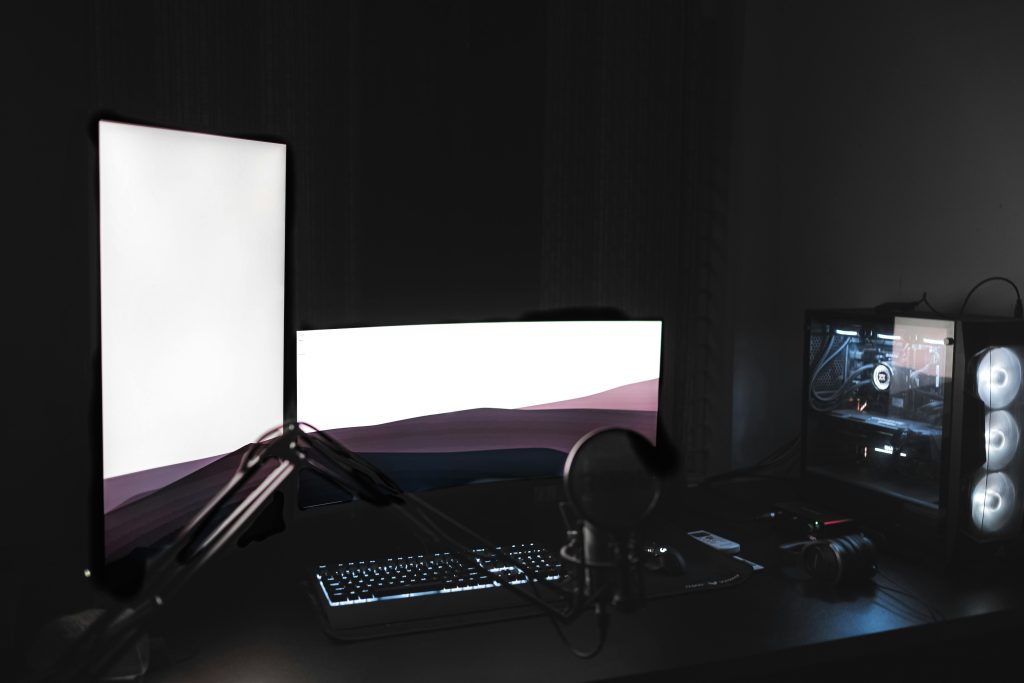
Choosing a gaming microphone is about real-world performance, not just specifications.
Noise Rejection
Gaming environments are rarely quiet. A microphone that minimizes background noise helps keep your voice clear, even during intense gameplay. This is especially important if you use a mechanical keyboard or play in a shared space.
Directional Pickup
Most gaming microphones use a cardioid pattern to focus on your voice. This helps reduce unwanted sounds from the sides and rear. A controlled pickup pattern keeps your communication clear and consistent.
Durability and Build
Gaming setups often involve frequent adjustments and movement. A well-built microphone with a solid stand or mount will hold its position and last longer. Durability matters, especially if you use your setup daily.
Ease of Use
Quick controls such as mute buttons and gain knobs are useful during gameplay. They allow you to adjust your audio without interrupting your session. Simple, accessible controls make a big difference in real-time scenarios.
USB vs XLR for Gaming
Choosing between USB and XLR depends on how complex your setup is. While USB microphones are convenient and effective, XLR setups provide more control and flexibility as your needs grow.
Choose USB if:
- You want a simple, plug-and-play solution
- You mainly use voice chat or casual recording
- You don’t want extra equipment
Choose XLR if:
- You want more control over audio quality
- You stream or create content regularly
- You plan to upgrade your setup over time
Best Gaming Microphone Setup
A well-optimized setup improves your microphone performance more than most upgrades.
Essential Gear
- Microphone
- Boom arm or stand
- Pop filter or windscreen
- Headphones for monitoring
- Audio interface for XLR setups
These components help stabilize your microphone, reduce unwanted noise, and ensure you can hear your own audio clearly.
Mic Placement
Position your microphone close to your mouth to maintain clarity. A distance of 2 to 6 inches works well for most setups. Angling the mic slightly away from your mouth helps reduce harsh sounds while keeping your voice natural and consistent.
Environment Control
Gaming setups often include unavoidable noise sources. While you can’t eliminate all noise, you can reduce its impact. Simple changes like repositioning your mic, lowering fan noise, and adding soft materials to your room can improve your audio significantly.
Common Gaming Microphone Mistakes
Most problems come from how the microphone is used rather than the microphone itself. Small setup issues can quickly affect how clearly you’re heard in-game or on stream.
Mic Too Far Away
Distance has a big impact on clarity. When your microphone is too far from your mouth, your voice loses presence and starts to sound thin or distant. At the same time, the mic begins to pick up more of your surroundings, including keyboard noise and room echo.
Keeping your mic within 2 to 6 inches helps your voice stay clear and dominant over background sounds.
Incorrect Gain
Gain controls how strong your microphone signal is. If it’s set too high, your voice will distort during louder moments like callouts or reactions. This creates harsh audio that cannot be fixed in real time. If it’s too low, your voice may get buried under game audio or teammate chatter. Setting a balanced level ensures your voice stays clear without clipping or disappearing.
Ignoring Noise Sources
Gaming setups are full of noise. Mechanical keyboards, cooling fans, and even controller sounds can bleed into your microphone. If you don’t manage these sources through mic placement or basic adjustments, they become part of your audio. Positioning your mic correctly and reducing unnecessary noise helps keep your voice as the main focus.
No Monitoring
Without monitoring your audio, you’re relying on others to tell you when something is wrong. That often means delayed feedback and a poor experience for teammates or viewers.
Using headphones to listen to your mic output allows you to catch issues immediately and make quick adjustments before they become a problem.
How to Improve Gaming Audio Without Upgrading Your Mic
Before investing in new gear, focus on improving your current setup.
- Adjust microphone placement
- Reduce background noise
- Improve your room setup
- Fine-tune audio settings
These changes often provide immediate improvements without additional cost.
Who Needs Which Type of Gaming Microphone?
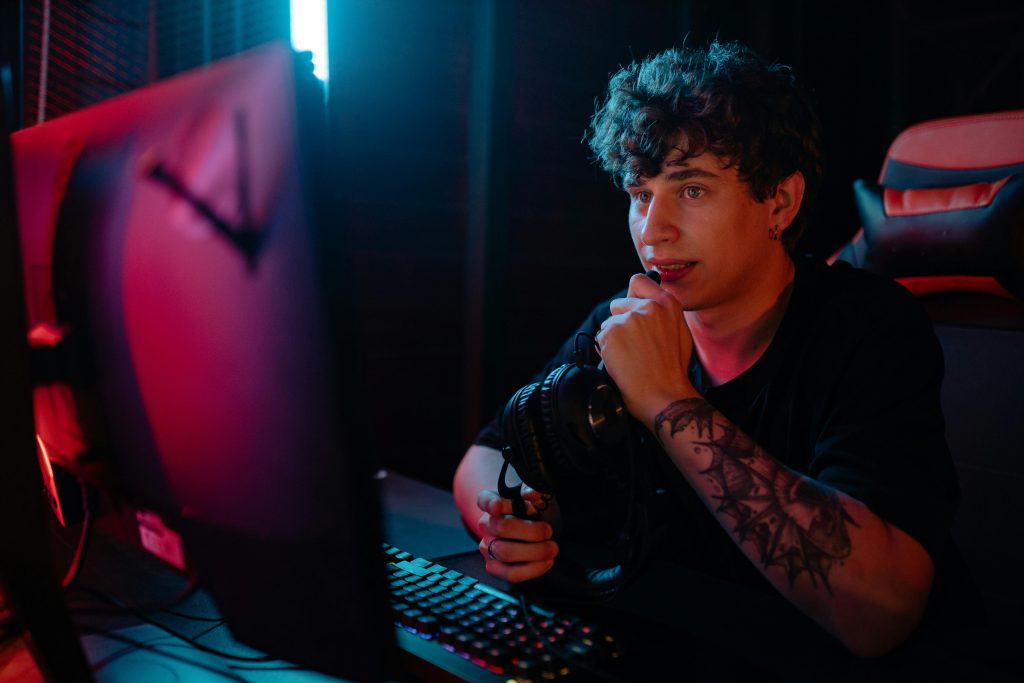
Different gamers have different priorities depending on how they play, communicate, and use their setup.
Casual Gamers
For everyday gaming, convenience matters most. USB microphones are a solid upgrade from standard headset mics because they offer clearer voice quality without adding complexity.
They’re easy to set up, work straight out of the box, and provide enough quality for voice chat, casual streaming, or playing with friends. For most players, this level of audio is more than enough.
Competitive Players
In competitive games, clear communication can make a real difference. Dynamic microphones are a strong choice because they focus on your voice while reducing background noise from keyboards, fans, and your environment.
This helps ensure your callouts come through clearly, even during fast-paced moments. Consistent, noise-controlled audio can improve team coordination and reduce miscommunication.
Content Creators and Streamers
If you’re recording gameplay or streaming regularly, audio quality becomes part of your overall presentation. XLR setups provide the highest level of control and consistency.
With an audio interface and proper setup, you can fine-tune your sound, maintain stable levels, and create a more polished listening experience. This is ideal for creators who want their audio to match the quality of their content.
Final Thoughts
Gaming microphones are essential for clear communication and better overall experience. The right microphone does not need to be expensive. It needs to match your setup, reduce distractions, and deliver consistent audio. Focus on clarity, positioning, and environment. Get those right, and your audio will instantly improve.